
11/20/2026
Lawmatics Form Submission vs AI Field Updates: Why an Intake Automation May Not Run
Information can arrive successfully while the event your next workflow expects never occurs.
By Michael Brunman, Co-Founder & CEO of Clerx, Former Litigator
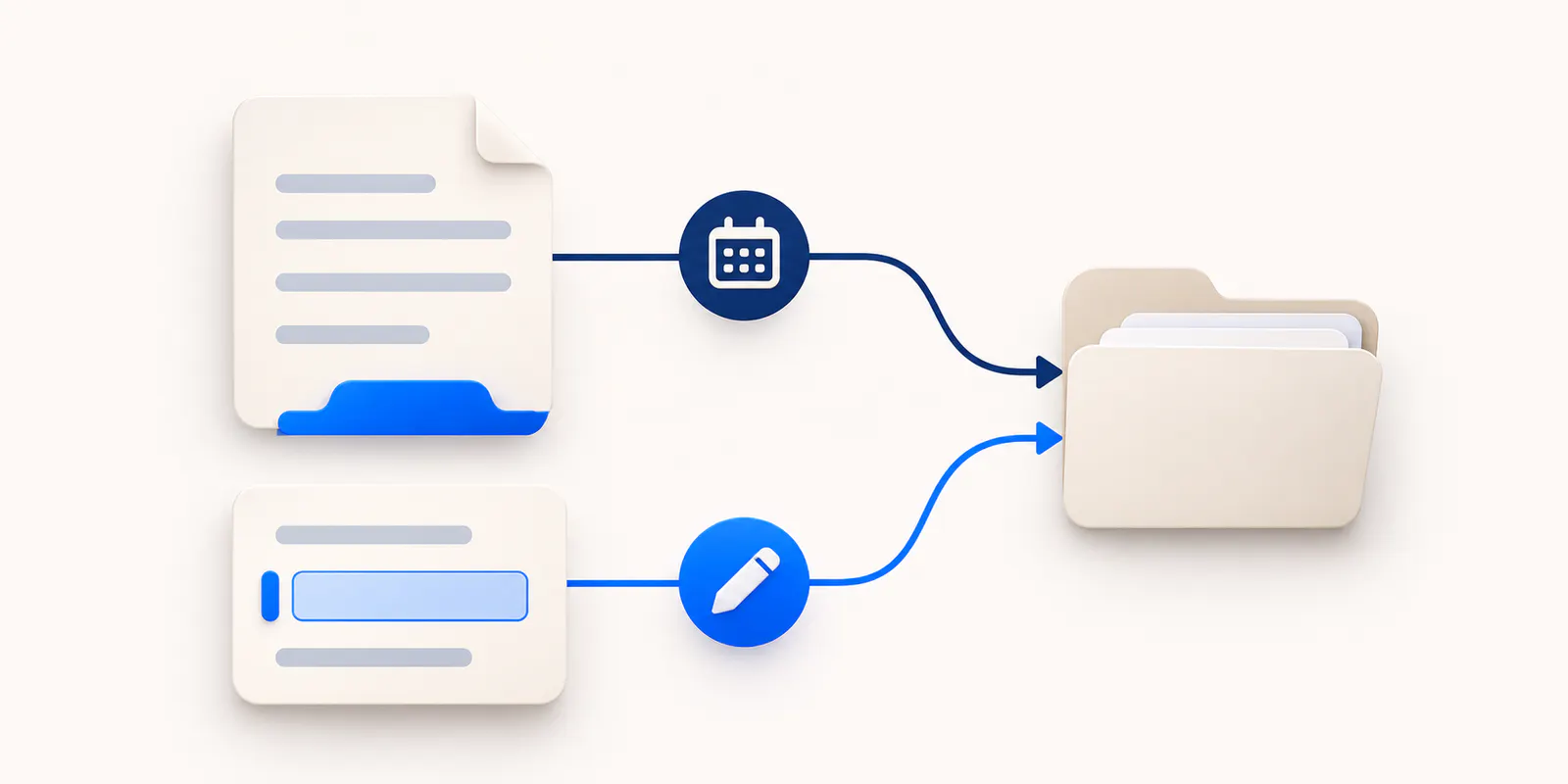
A Lawmatics field update and a form submission are different events. Both can add useful intake information, but a workflow configured to respond to one should not be assumed to respond to the other. This distinction matters when a firm adds conversational data collection or a receptionist connection to an intake process originally built around submitted forms.
The symptom is familiar: staff can see the information, yet the expected next step did not happen. Another questionnaire was not sent, a review task did not appear, or a booking invitation never arrived. The first question should be what event actually occurred, not whether the person supplied enough information in ordinary language.
This guide helps small firms already using Lawmatics review the boundary between collecting data and triggering the next action without inventing unsupported integration behavior.
Separate the information from the event
Information is the content the firm learns: a contact method, a service request, or a preferred meeting format. An event is the specific occurrence the software recognizes: a particular form submitted, an appointment created, or a configured agent outcome.
A person can answer the same question through several routes while producing different software events. A staff member typing an answer into a field does not necessarily create a form submission. A phone transcript containing that answer does not necessarily populate the field at all.
The existing Lawmatics response-layer guide explains how first response fits the broader system. The narrower implementation issue here is whether the next workflow is listening for the event that the new route actually produces.
Understand the native conversational example
Lawmatics' Collect Data Only guide documents a native agent that collects specified fields through conversation. It explicitly distinguishes that result from a form submission and describes outcomes that can support subsequent automation.
That example provides the key lesson: equivalent-looking information does not guarantee an identical trigger. Read the documentation for the exact route being used and verify the account configuration.
Do not generalize the native agent's actions to every external connection. A third-party receptionist, a website form, and a staff member editing a record can have different output and event scope.
The firm should know which mechanism it intends to use before turning on a downstream sequence that assumes a particular submission has occurred.
Draw the intended route in plain sentences
Before opening automation settings, describe the operating process in ordinary language. For example: "After initial information is captured, staff review the request. If the approved consultation category applies, the person receives the booking route."
Then identify the actual software event associated with each step. "Information captured" is not specific enough for an automation specification. Which form, field, record, or outcome establishes the state the firm wants to act on?
Use the intake-question framework to decide what information genuinely matters. Do not create an elaborate trigger merely to respond to optional background that has no effect on the next step.
The objective is a reliable progression, not the largest possible number of automated actions.
Inspect one actual record before changing the workflow
Use a fictional inquiry and complete the route that has been added. Then inspect where the information appears. Is it in a contact field, a matter field, a note, a transcript, or a submitted form?
Do not rely on a confirmation that says the integration succeeded. Success may mean only that a record was created. It does not establish that every expected field was populated or that an existing automation's entry conditions were satisfied.
The official Lawmatics Clerx listing documents its listed outputs, including records, notes, and scheduling. It does not prove that a Clerx call creates a specific native custom-form submission or activates every automation built for the firm's existing forms.
The Clerx Lawmatics integration page should be read alongside that partner material. Where a proposed workflow goes beyond the documented scope, request a demonstration rather than presenting it as included behavior.
Check the entry condition against the actual output
Once the real output is known, compare it with the automation's entry condition. If the process expects a named form submission, ask whether that submission actually exists. If it expects a field value, verify that the value is in the correct field and record type.
A note that says "wants estate planning" is not automatically the same as a populated practice-area field. A scheduled appointment may be a useful event for one process but the wrong event for another that must occur before booking.
Lawmatics' booking forms guide documents appointment-created entry conditions for its booking-form flow. That illustrates why the correct event matters. It does not establish that every intake route should trigger from an appointment.
Have the person responsible for the firm's configuration review the exact available options and any prerequisites. Keep the claim at the level that has been verified.
Do not manufacture a submission just to satisfy an old rule
It may be tempting to force new data through a familiar form so the old automation will fire. That can create additional records, repeat requests, or a misleading audit trail if it is done without a deliberate design.
First decide whether the operating process still requires that form submission. Perhaps the firm truly needs an attestation or structured response from the prospect. In that case, the form has a distinct purpose and should be explained honestly.
Alternatively, the old form may only have served as a convenient event for a task that can now follow a different supported outcome. The correct solution may be revising the automation under the platform's documented capabilities.
Do not claim that any workaround is safe or supported without testing it. Preserve a clear distinction between information the prospect supplied and information staff entered on their behalf.
Keep native and external channels separate during testing
A firm might collect information through Clerx inbound calls, website chat, or text messaging. Each proposed channel needs its own end-to-end test of the actual Lawmatics outputs.
A documented phone connection does not establish identical chat or messaging events. Even when several routes collect the same answer, their implementation may differ.
Test one channel at a time and record what appears. Then test a person who starts in one channel and continues in another. Determine how staff identify the relationship and prevent duplicate next-step messages.
Do not expand the deployment until the team can explain the intended route without relying on assumptions about invisible synchronization.
Make missing actions visible to a person
A stalled automation should not leave a prospect waiting indefinitely. Define who reviews incoming inquiries and who investigates when the expected next step does not occur.
For a solo practice, the owner may use a short review list. A larger small firm may assign that responsibility to an intake coordinator. The important point is that a person owns the exception even if the normal path is automated.
The response-time and ownership guide offers the broader operating framework. Do not promise a callback window that the firm cannot maintain simply because the capture step happened quickly.
Separate two tasks: responding to the person who is waiting and investigating the configuration. The technical explanation may take longer than the prospect should wait for an accurate next-step message.
Reconcile without creating another problem
When staff discover missing actions, compare the original inquiry with the current record and identify what has already happened. A person may have booked through another route or spoken with staff since the initial capture.
Avoid blindly rerunning every old record. Repeated submissions or repeated sequences can create duplicate messages and confuse both the team and the prospect. Review the actual state before choosing a supported correction.
The intake integration reconciliation guide provides general recovery principles. This Lawmatics-specific issue concerns event mismatch: the information may be present while the entry condition never occurred.
Keep a brief record of the cause and the correction so the same misunderstanding does not return when another channel is introduced.
Use a small change and verify the next step
Choose one fictional inquiry and one intended workflow. Confirm the incoming event, the condition evaluated, the resulting action, and the message the prospect would receive. Include a case that should not trigger the action as well.
The pre-launch testing guide supports that end-to-end discipline. A successful call or populated field is only one checkpoint.
If the workflow concerns consultation scheduling, verify the actual booking experience separately from the record update. A scheduling feature and an automation feature do not prove that their intended sequence works in the account.
Use fictional data rather than real client information when a demonstration will answer the question. The purpose is to establish behavior, not to expose a sensitive matter to another system unnecessarily.
Measure the event that matters
After a change, count inquiries with the expected next step, actions requiring manual correction, and duplicate messages. Do not treat an increase in completed fields as proof that the intake process is working better.
The intake metrics guide helps separate capture from bookings and retained clients. These are different outcomes with different explanations.
Any claimed time saving should be measured consistently against the previous process. The proposal in this guide is operational: align the real event with the intended next action, preserve a human exception route, and test the result. It is not a guarantee of fewer errors or higher conversion.
Frequently asked questions
Does a field update count as a form submission?
Not automatically. They are different software events. Verify the mechanism used by the actual collection route and compare it with the automation's configured entry condition.
Does native conversational collection submit a form?
The current Collect Data Only documentation explicitly distinguishes its collection result from a form submission. Use the documented outcomes and available configuration rather than assuming the form-based trigger occurred.
Does a call transcript populate every relevant field?
Do not assume so. A transcript in a note and a structured field value are different outputs. Inspect the actual record and verify any proposed mapping.
Can Clerx trigger any Lawmatics automation?
The documented integration does not establish universal trigger behavior. Demonstrate the specific output and downstream conditions the firm intends to rely on, including prerequisites and any remaining staff work.
Should the firm rerun every stalled inquiry?
No blanket recommendation is appropriate. Check the current state first so a correction does not create duplicate messages or repeat steps that staff already completed through another route.
What if the workflow depends on a signed or attested form?
Keep that purpose explicit. Conversationally collected information should not silently be presented as the prospect's separate signature, attestation, or completed formal submission.
Should each channel be tested separately?
Yes. Phone, website chat, messaging, native agents, and manual entry can have different outputs and events. Verify each proposed route rather than importing another channel's assumptions.
What is the first troubleshooting question?
Ask what event actually occurred and where the information landed. Then compare that observation with the action the firm expected the automation to perform.
About the author
Michael Brunman is Co-Founder & CEO of Clerx, helping law firms improve client intake and communication. A former litigator, software engineer, and McKinsey consultant with an MBA from Harvard Business School, he brings legal, technical, and business experience to the challenges of running a law firm.
Recommended Posts
11/21/2026
Clerx vs Specialty Answering Service: Legal AI Intake, Live Reception, and Hybrid Options
Compare the actual intake workflow, human fallback, legal-software handoff, and complete cost rather than reducing this choice to AI versus people.
11/20/2026
Email Intake vs Website Chat for Estate Planning Firms: Choose the Right First Response
Choose a written first response that helps the prospect move forward without creating a second unowned inbox or a repeated intake.